
Home / Blog / Home Automation
Shelly Outdoor Plug S Gen3: Remote Engine and Cabin Heaters
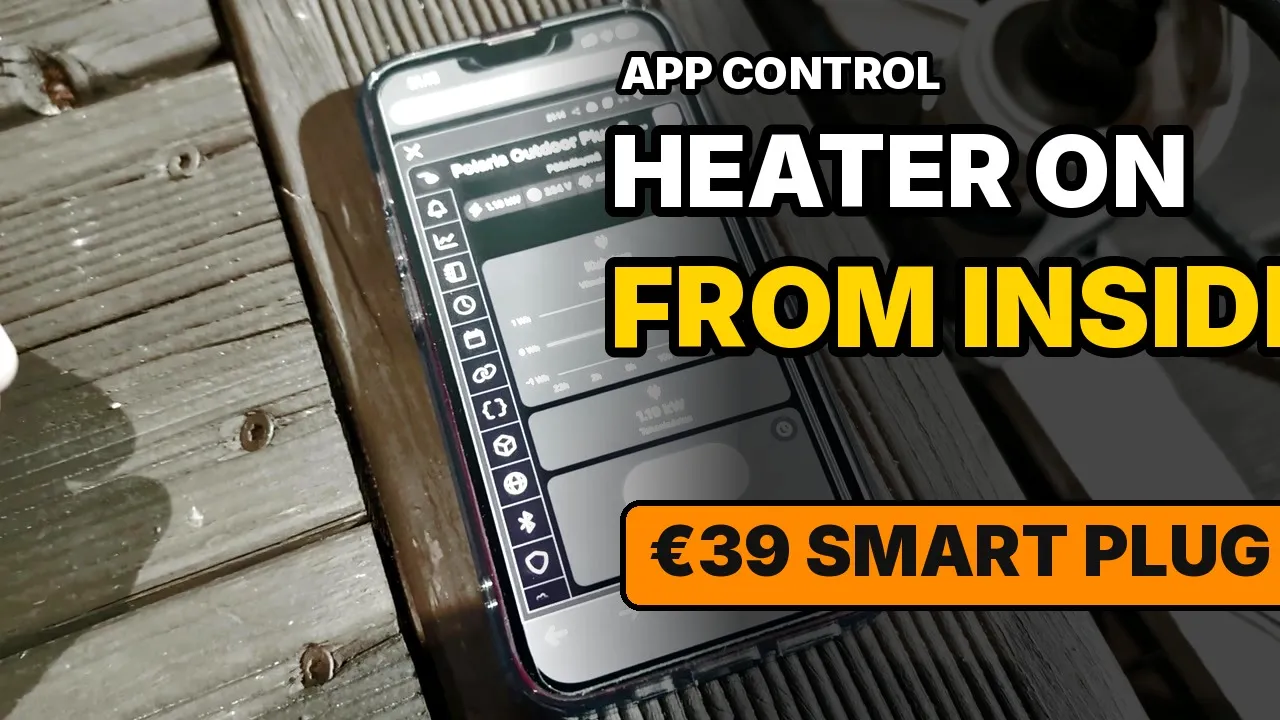
Finnish winter mornings are when a cold diesel and a cold cab hurt. On our Polaris Ranger I already had a DEFA block heater and a Termini II cabin heater on the same outdoor cord. The missing piece was a way to switch that cord on from inside the house, and to see that the heaters actually drew power.
I bought a Shelly Outdoor Plug S Gen3 for that job. I paid €39 at Verkkokauppa.com. This is the unboxing, the specs that are printed on the box and the included guide, pairing in the Shelly Smart Control app, the outdoor install, and the live metering while the Ranger heaters ran.
The heaters themselves are a separate write-up: Polaris Ranger Diesel: DEFA block heater and Termini II cabin heater.

Why an outdoor smart plug
A normal indoor plug would mean either running the heaters through an unprotected indoor socket or leaving a timer out in the weather. I wanted three things in one device:
- An outdoor rating that matches a weatherproof strip
- Remote on/off from the phone
- Power metering, so a press in the app is not a blind guess
Power metering is the part I care about most in winter. If the Ranger cord has fallen out of the inlet overnight, an on command with 0 W tells me that immediately. If the cabin heater and block heater are both drawing, the meter shows load within seconds.
The plug is Type F (Schuko). That matches the DEFA MiniPlug lead and the Termini on this Ranger.
What’s in the box
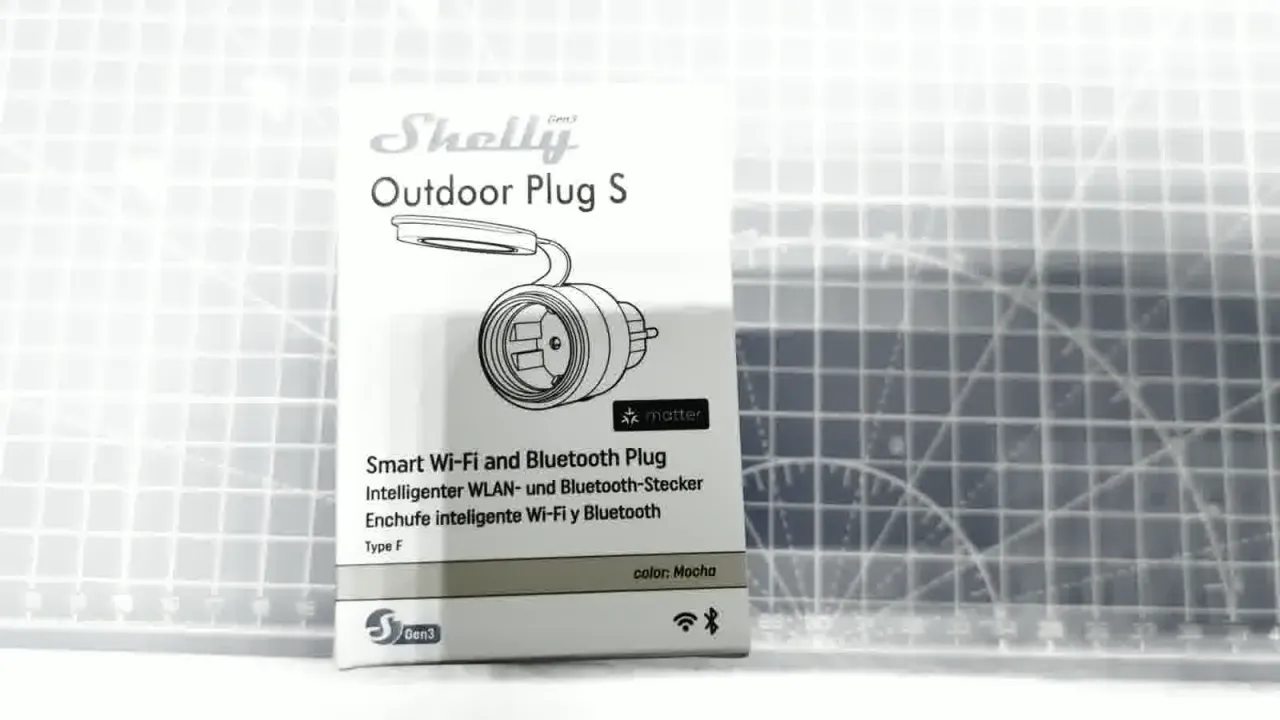
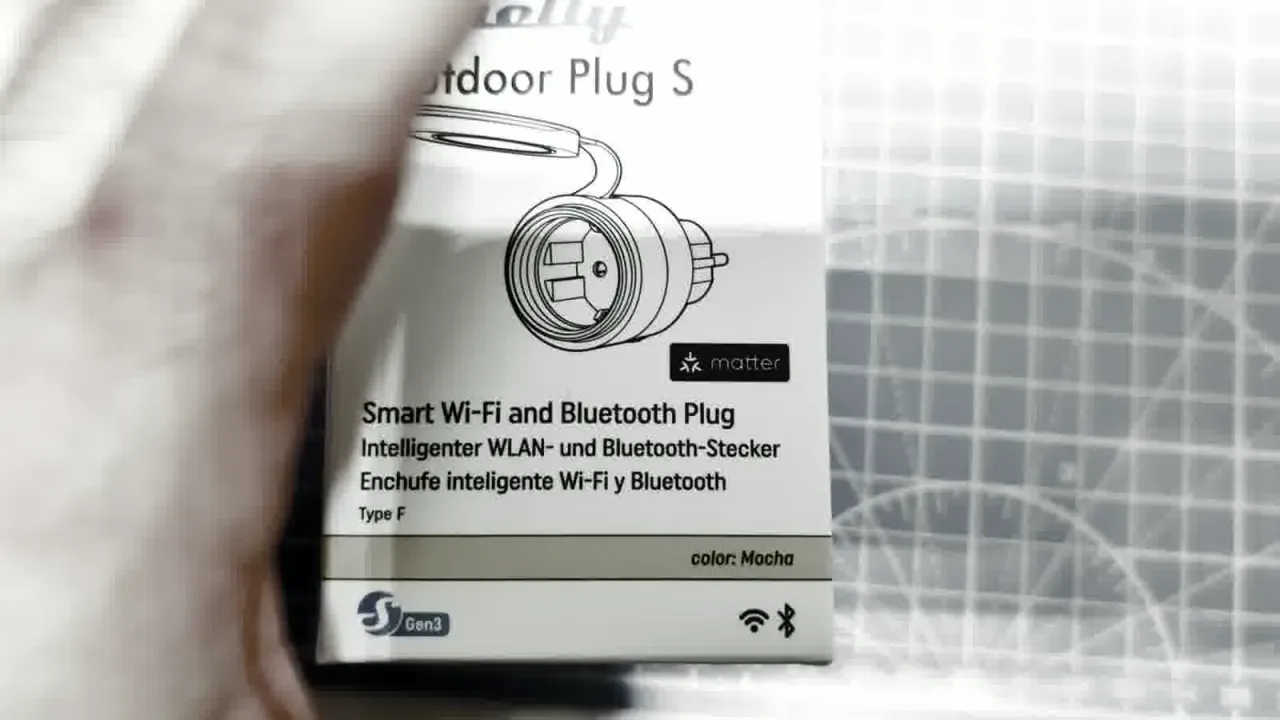
The retail box says Shelly Outdoor Plug S on the front, with Gen3 / S Gen3 marking, Wi-Fi and Bluetooth, and a Matter logo. The colour of this unit is Mocha — unusual next to the usual black outdoor bricks, and fine against a light house wall. The front also carries the short claim line: smart Wi-Fi and Bluetooth plug.
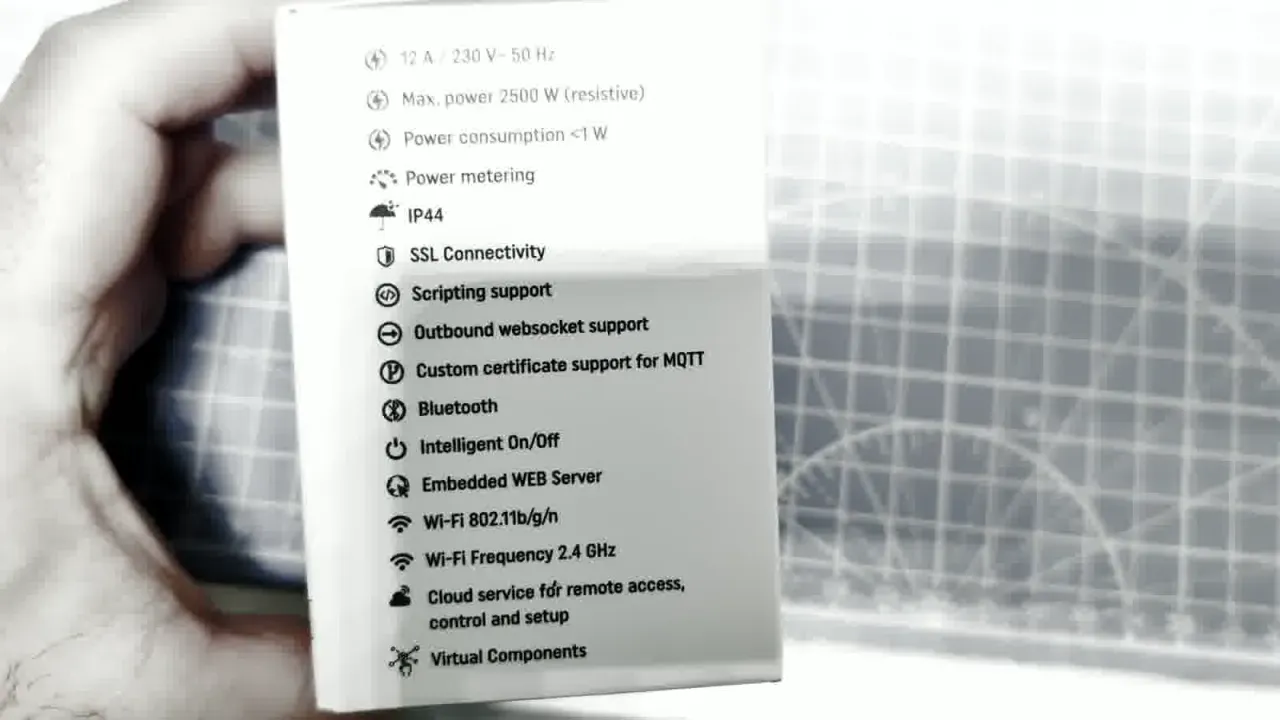
The back of the carton is the quick spec sheet I used for this article. The numbers below are taken from that panel and from the leaflets in the box, not from a retailer listing.
Inside the carton:
- The Outdoor Plug S Gen3 itself
- A short quick-start / Matter leaflet
- A longer multilingual user guide
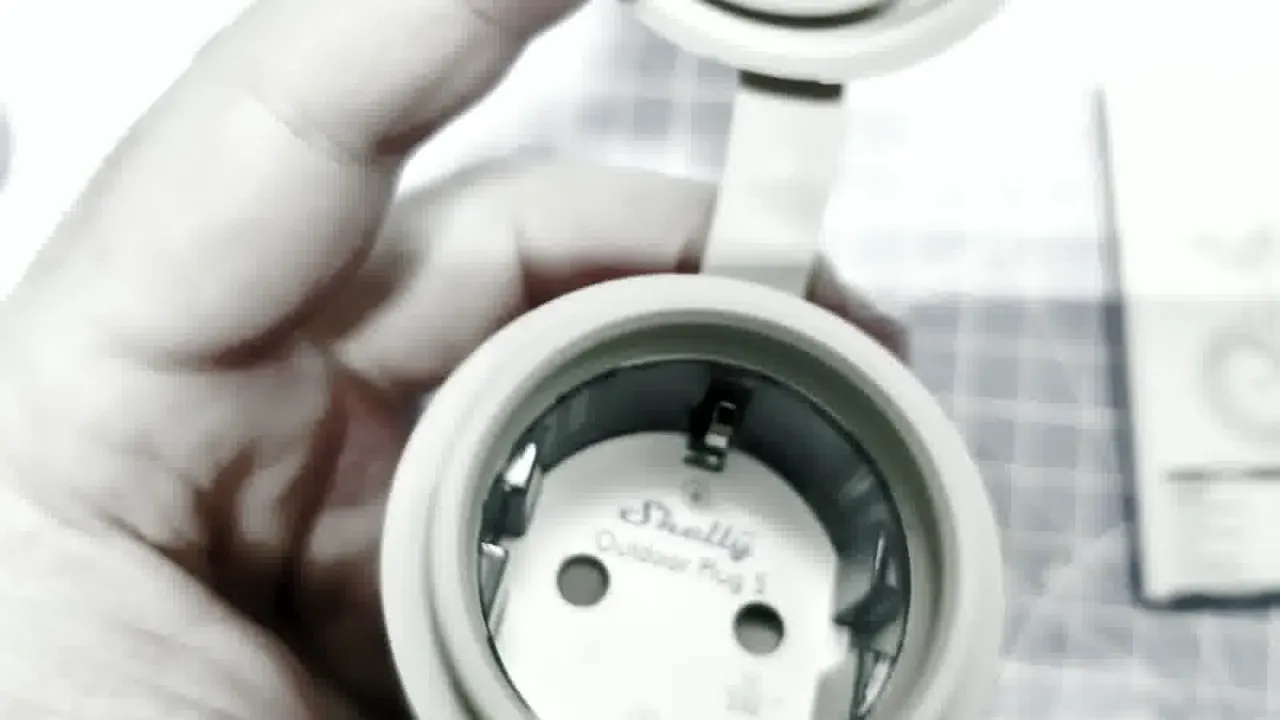
The plug body is larger than a typical indoor smart plug, which is fair for an outdoor shell. A protective cap covers the socket when nothing is plugged in. The control button sits on the side.
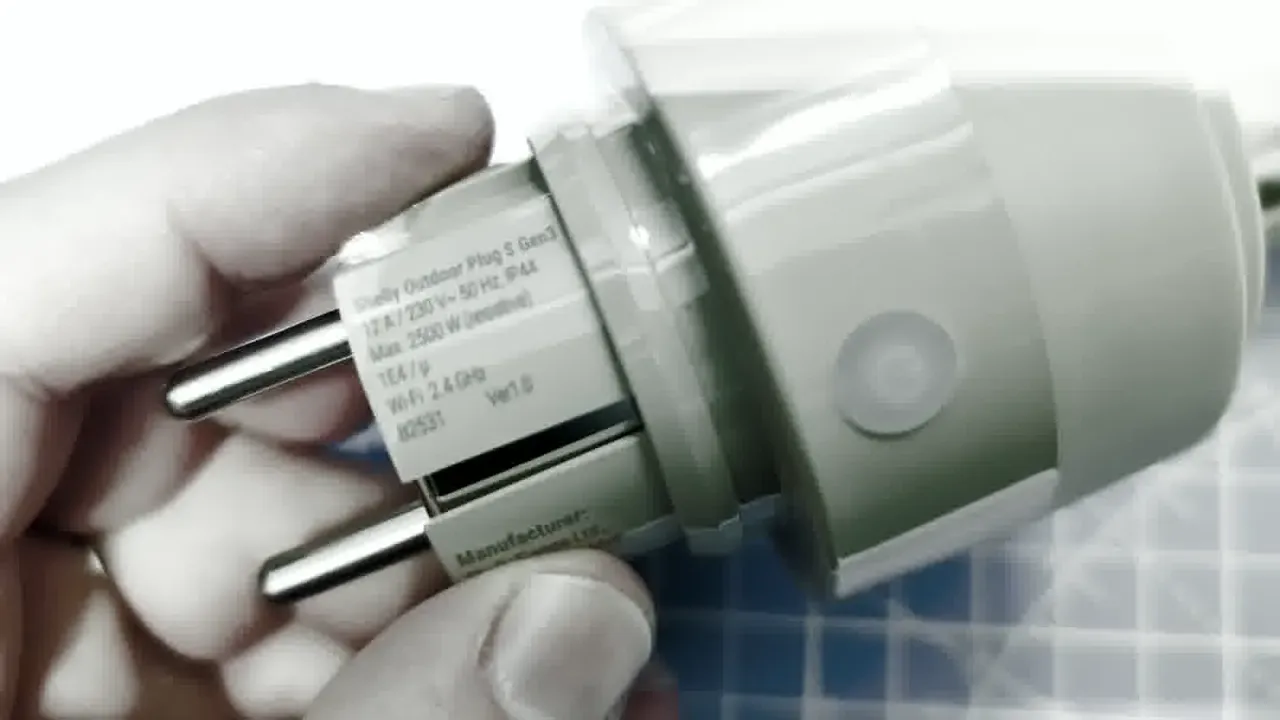
The device label on the plug confirms Wi-Fi 2.4 GHz, Ver1.0, and Shelly Europe Ltd. as the manufacturer. The same label names the product Shelly Outdoor Plug S Gen3.
Specs from the box and the guide
I am sticking to what the carton and the included user guide print. I did not invent ratings beyond those sources.
| Item | Value (box / included guide) |
|---|---|
| Full name | Shelly Outdoor Plug S Gen3 |
| Colour | Mocha |
| Plug / socket | Type F (Schuko) |
| Electrical | 12 A / 230 V~ 50 Hz; max 2500 W resistive |
| Standby | Power consumption <1 W |
| Metering | Power metering |
| Ingress | IP44 |
| Radio | Wi-Fi 802.11b/g/n, 2.4 GHz; Bluetooth |
| Size / weight | 44 × 44 × 70 ±0.5 mm; 60 ±1 g |
| Ambient | About −25 °C to 51 °C; humidity 15–85% RH |
| Range (guide) | Up to 30 m / 98 ft outdoors, up to 10 m / 33 ft indoors, depending on local conditions |
| CPU / flash (guide) | ESP Shelly-C38F; 8 MB flash |
| Local web UI (guide) | 192.168.33.1 |
Other box claims that matter for integration: SSL connectivity, scripting, outbound websocket, custom certificate support for MQTT, intelligent on/off, embedded web server, cloud service for remote access, virtual components, and Matter on the carton.
The guide’s control-button legend is useful once the plug is outdoors and your phone is indoors:
- Press: turn the plugged appliance on/off
- Hold 3 s: status (only when output is off)
- Hold 5 s: Device AP (only within 1 min of plugging in)
- Hold 10 s: factory reset
LED behaviour from the same guide: red flashing means reconnecting to Wi-Fi; the on-state default colour follows the power limit (green 0% / yellow 50% / red 100%). After a 3 s hold, three flashes report whether the plug is off Wi-Fi, on Wi-Fi but not Shelly Cloud, or on Shelly Cloud.
Matter setup, per the short leaflet, needs a 2.4 GHz Wi-Fi network, a Matter-compatible hub, and a phone with Bluetooth and a Matter-compatible app. Keep the QR code; you need it again after a reset. I did not commission Matter in this video. I used the Shelly app over Bluetooth, then Wi-Fi.
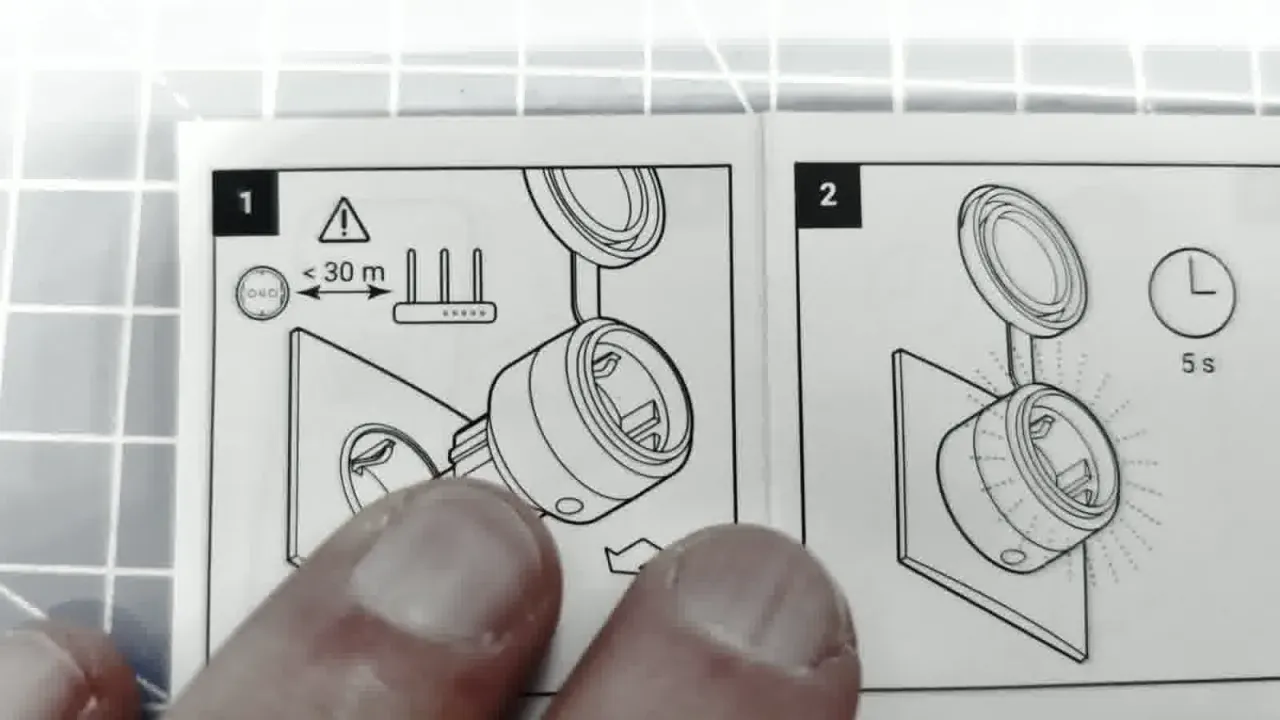
Compatible sockets listed in the guide: CEE 7/1, CEE 7/3 (Type F / Schuko), or CEE 7/5 (Type E). Compatible plugs: CEE 7/2, CEE 7/4, CEE 7/7, CEE 7/16 (Type C), or CEE 7/17. Install within about 30 m of the Wi-Fi base station; the guide says about five seconds after plugging in before you continue setup.
Outdoor install on the Ranger heaters
The plug sits on a weatherproof outdoor strip. A cable runs from that strip to the Polaris Ranger inlet that feeds the DEFA block heater and the Termini II cabin heater. The heaters are the ones from the Polaris Ranger heater installation: roughly 300 W on the block heater sheet and a Termini II 1000 on the cabin side. Those watt figures are the heater ratings from that earlier job, not a Shelly claim.
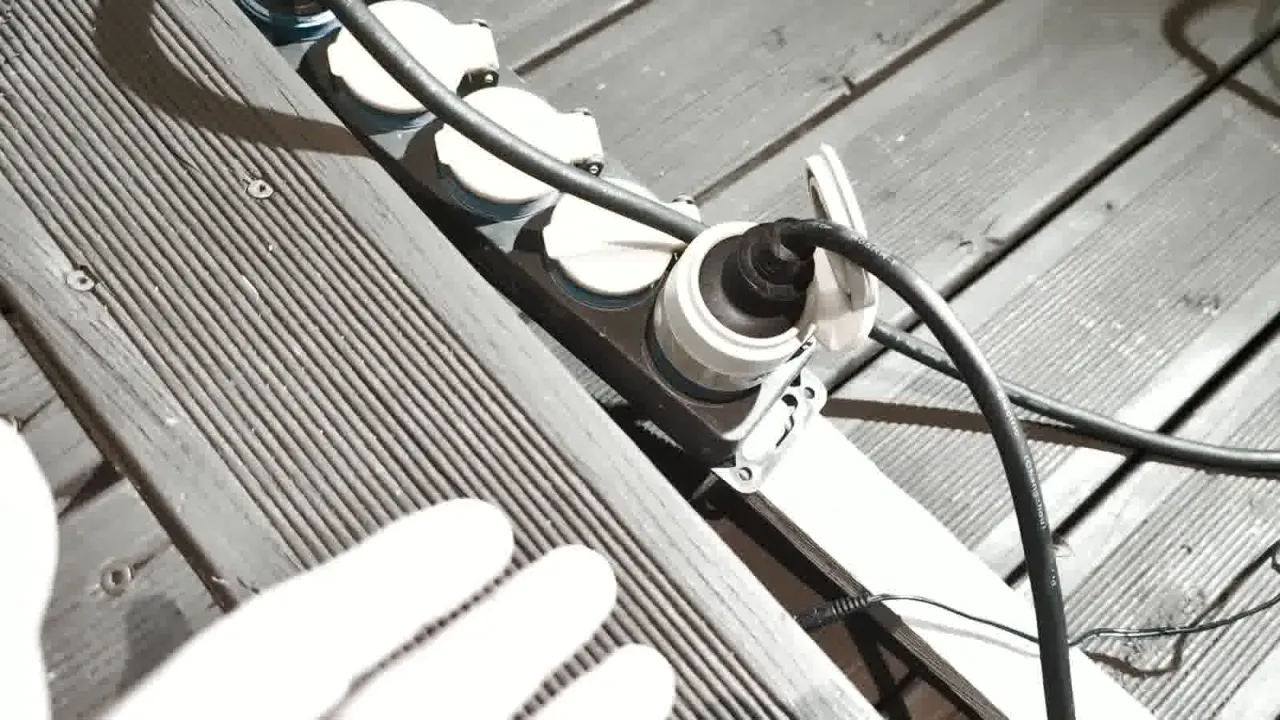
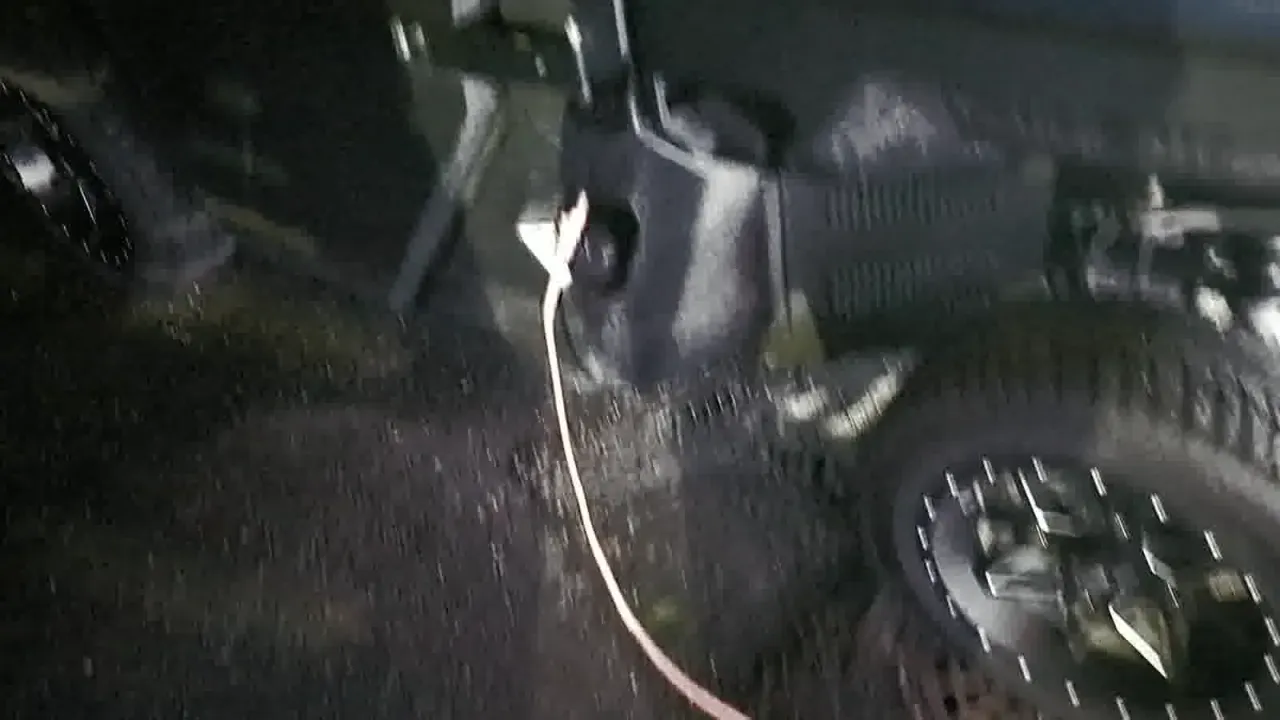
IP44 is splash protection, not a submarine rating. I still keep the protective cap on when the socket is empty, and I treat the outdoor strip as part of the weatherproof path, not as optional decoration.
In the Shelly app I named the device “Polaris Outdoor Plug S” so it is obvious which outdoor load it controls when the list grows.
Pairing in Shelly Smart Control
Setup was short.
- Plug the Shelly into power. The LED turns blue.
- Open the Shelly Smart Control app (App Store, Google Play, or AppGallery). I used control.shelly.cloud through the Finnish UI and left the language alone for this film.
- Tap Add device. Bluetooth found it immediately. The app can also search over Wi-Fi; I stayed on Bluetooth.
- Join a 2.4 GHz Wi-Fi network and enter the password.
That last step is the gotcha. The Outdoor Plug S Gen3 will not join a 5 GHz network. If your phone is parked on a 5 GHz SSID, pick the 2.4 GHz SSID (or a combined network that still exposes 2.4 GHz to the device). After it joins Wi-Fi you can move the plug anywhere in range.
Once it is on the network, the LED goes red first while it reconnects, then turns off when Wi-Fi is found. Pressing the button turns the output on: green with no load, a lighter green with load, on the unit I filmed.
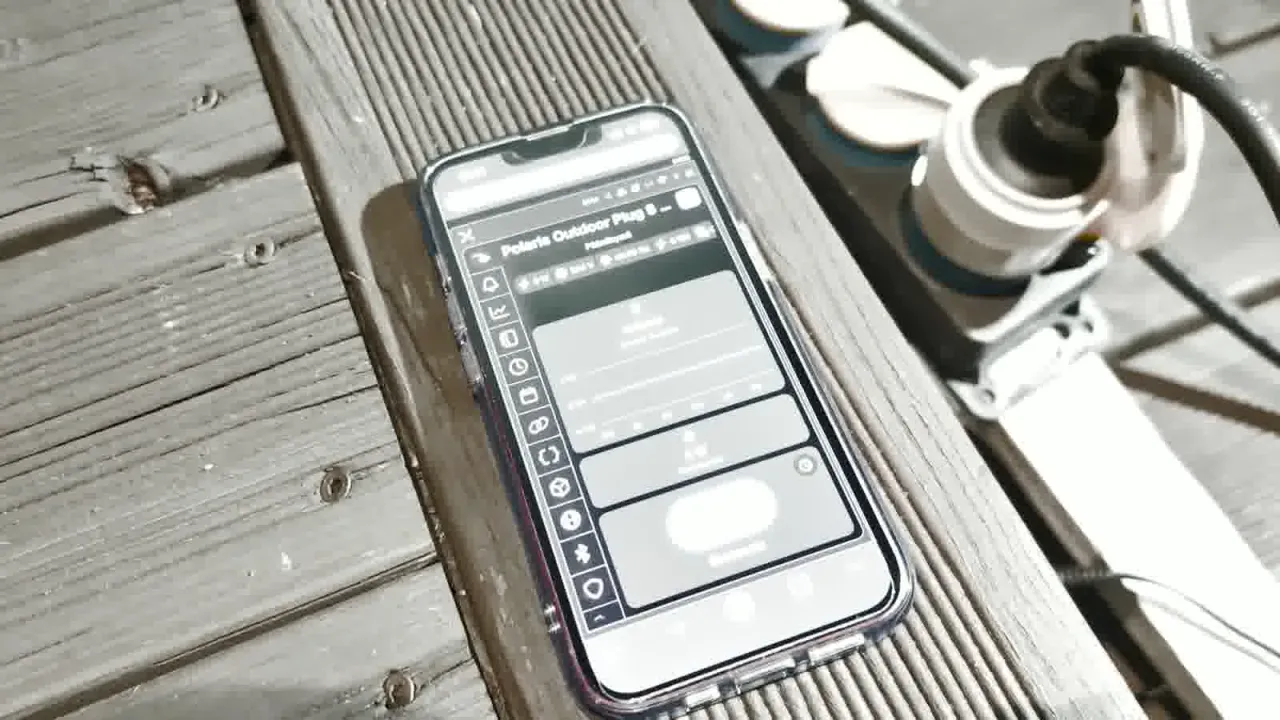
I plan to bring the plug into Home Assistant later. This article stops at the Shelly cloud / app path that is already working outdoors.
Power metering with the heaters running
On the day I filmed it was about +7 °C outside. The cabin heater is audible when it is on. From the earlier heater job I treat the cabin heater as about 1000 W cold and the block heater as about 300 W. With both on the cord, the Shelly app showed about 1.19 kW, then about 1.00 kW, while I stood at the vehicle.
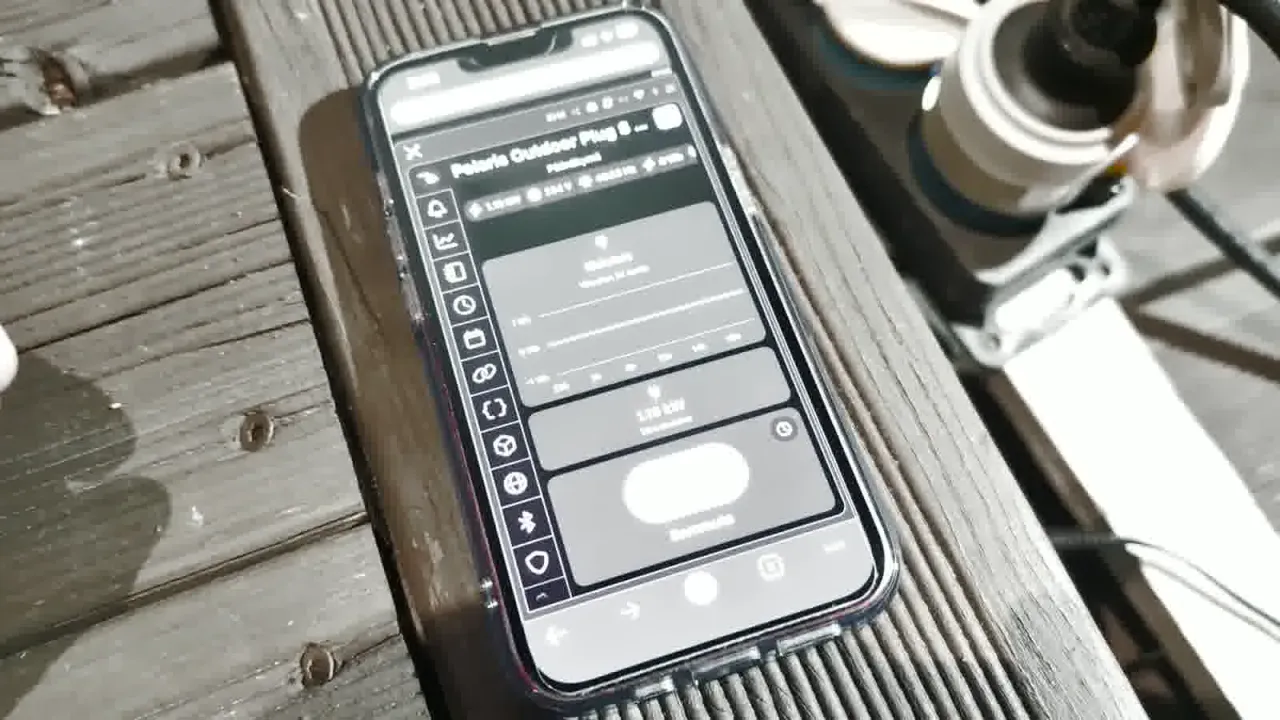
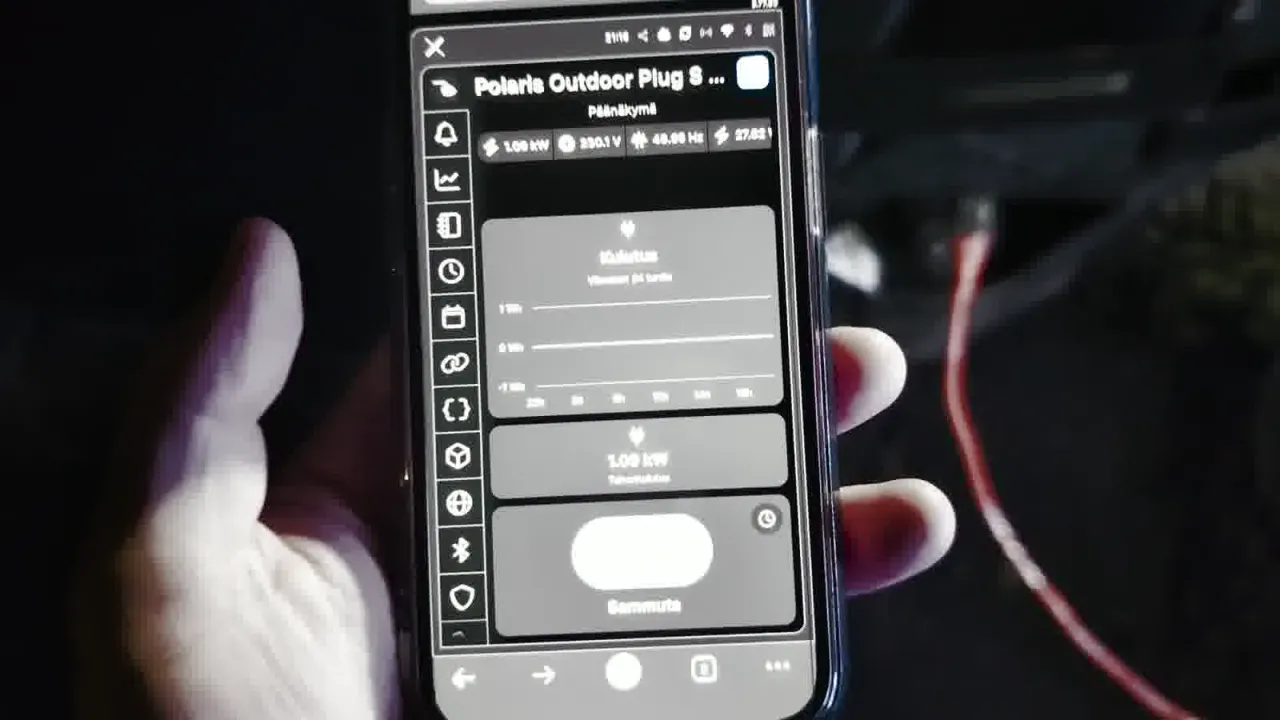
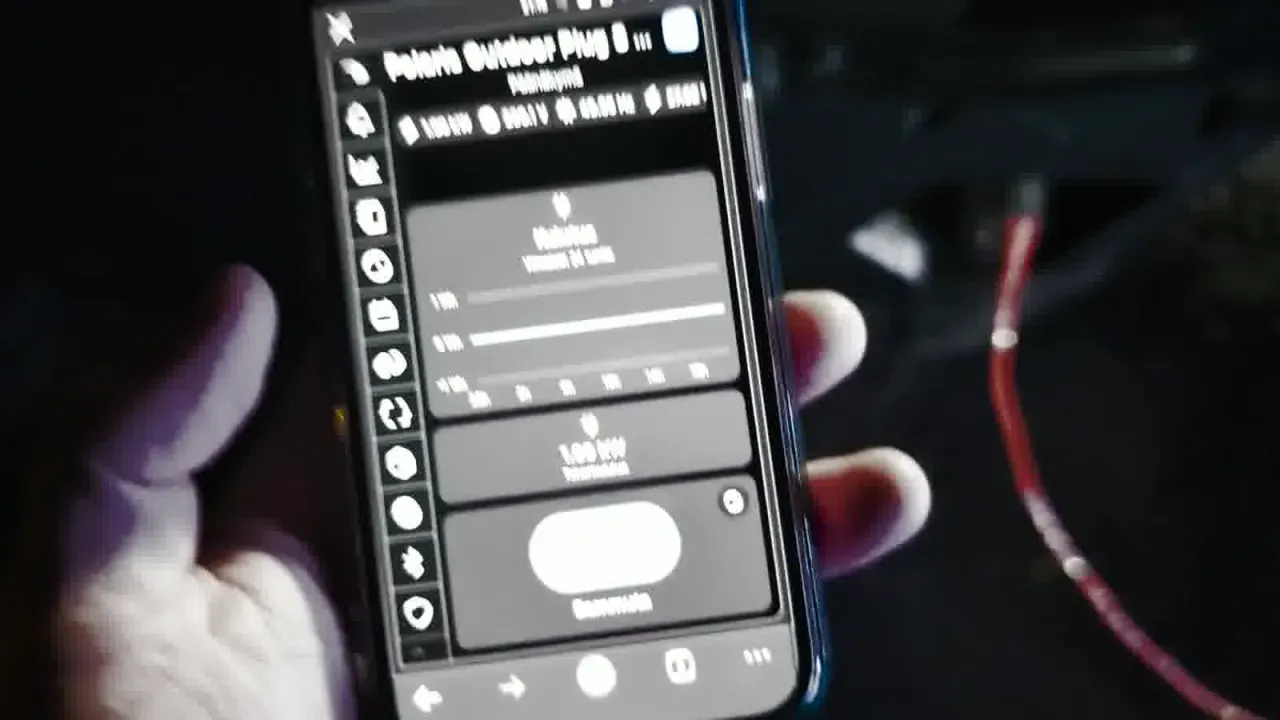
Those two readings are what the video shows. They are enough for the job I bought the plug for: remote confirmation that the heaters are drawing, and remote off when I am done. Scheduling lives in the Shelly app if you want timers there. I have not built schedules on this plug yet.
Max load on the carton is 2500 W resistive. A ~1000 W cabin heater plus a ~300 W block heater sits well under that. I would not stack other heavy outdoor loads on the same plug without checking the combined draw.
Where to buy, and the Amazon note
I bought this unit from Verkkokauppa.com for €39. That price is what I paid; it is not printed on the box.
Amazon.com listing for the plug (ASIN B0DWNBDH41) was marked currently unavailable on 10 November 2026. The affiliate link is still included below in case the listing returns. The 5 m and 10 m as-Schwabe H07RN-F 3G1.5 Schuko outdoor extension cables are suggested related items for reach outdoors. They are not the exact cable shown in the video.
Shelly Outdoor Plug S Gen3 on Amazon
as-Schwabe outdoor extension 5 m (IP44)
as-Schwabe outdoor extension 10 m (IP44)
Pros and cons
Pros
- IP44 outdoor body with a socket cap, usable on a weatherproof strip
- Power metering that shows heater load within seconds
- Simple Shelly Smart Control pairing over Bluetooth, then Wi-Fi
- 2500 W resistive ceiling covers this Ranger’s cabin + block heaters with margin
- Matter on the box, local web UI, MQTT/scripting hooks if you outgrow the app
- €39 at Verkkokauppa.com for the unit I bought
Cons
- 2.4 GHz Wi-Fi only; a 5 GHz-only SSID will fail pairing
- Mocha is a look, not a stealth black outdoor brick
- IP44 is splash-rated, not a reason to leave a bare indoor strip outside
- Amazon.com listing can be unavailable; I bought locally
- I have not finished a Home Assistant or Matter commission on this plug yet
Who it’s for
Buy this if you need a metered outdoor Schuko plug for engine heaters, cabin heaters, or similar winter loads, and you already have (or will create) a 2.4 GHz Wi-Fi path to that spot.
Skip it if you only have 5 GHz Wi-Fi, if you need more than 12 A / 2500 W resistive on one outlet, or if you want a fully local setup documented end-to-end today. My path so far is Shelly app and cloud; Home Assistant is next, not done.
If you are still fitting the heaters rather than switching them, start with the Polaris Ranger block-heater and cabin-heater installation. Jacking and wheel torque for the same machine are in jacking points and lug nut torque.
FAQ
Does the Shelly Outdoor Plug S Gen3 work outdoors in Finnish winter?
The included guide lists an ambient working range of about −25 °C to 51 °C and IP44 ingress protection. My demo day was about +7 °C. I have not published a deep-freeze overnight log for this plug yet. Treat IP44 as splash protection on a weatherproof strip, and keep the socket cap on when the outlet is empty.
Will it join 5 GHz Wi-Fi?
No. The box and the device label are 2.4 GHz Wi-Fi (802.11b/g/n). During pairing, pick a 2.4 GHz network. That was the only real gotcha in the setup I filmed.
How much power did the Polaris heaters draw?
In the video the app showed about 1.19 kW and later about 1.00 kW with the heaters on, at about +7 °C outside. I treat the cabin heater as about 1000 W and the block heater as about 300 W from the earlier heater install. Those Shelly readings are live app values from that afternoon, not a lab certificate.
Is Matter required?
No. Matter is on the carton, and the short leaflet describes Matter pairing with a compatible hub. I set this unit up with Shelly Smart Control over Bluetooth, then 2.4 GHz Wi-Fi. Keep the Matter QR code if you reset the device later.
Where did you buy it, and what did it cost?
Verkkokauppa.com, €39 for the unit in this article. The Amazon.com link above uses tag findiligent08-20; on 10 November 2026 that ASIN was listed as currently unavailable.
Can I use it for only the block heater, or only the cabin heater?
Yes. On this Ranger both heaters share the outdoor cord through the DEFA Y / inlet arrangement described in the heater installation article. If you wire them on separate cords, you would need separate switched outlets. One Shelly on the shared cord switches both.
Verdict
For remote winter preheat on the Ranger, the Outdoor Plug S Gen3 does the job I bought it for. Pairing was quick once I stayed on 2.4 GHz, the outdoor strip install is tidy, and the power meter is the feature that turns a blind switch into a checkable heater circuit. Next step here is Home Assistant. For heaters and remote switching today, the Shelly app is enough.